
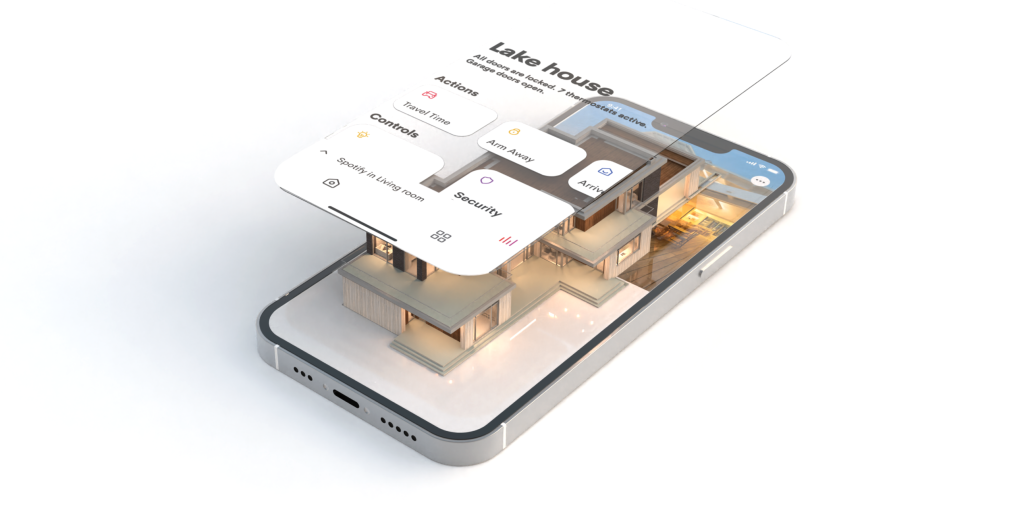
OS 4 gives you more
Crestron Home® OS 4 delivers even more of everything you asked for. A more intuitive experience. More personalization. More entertainment. More ways to control and light your home. More than ever, it’s the platform for an extraordinary smart home experience.
More intuitive
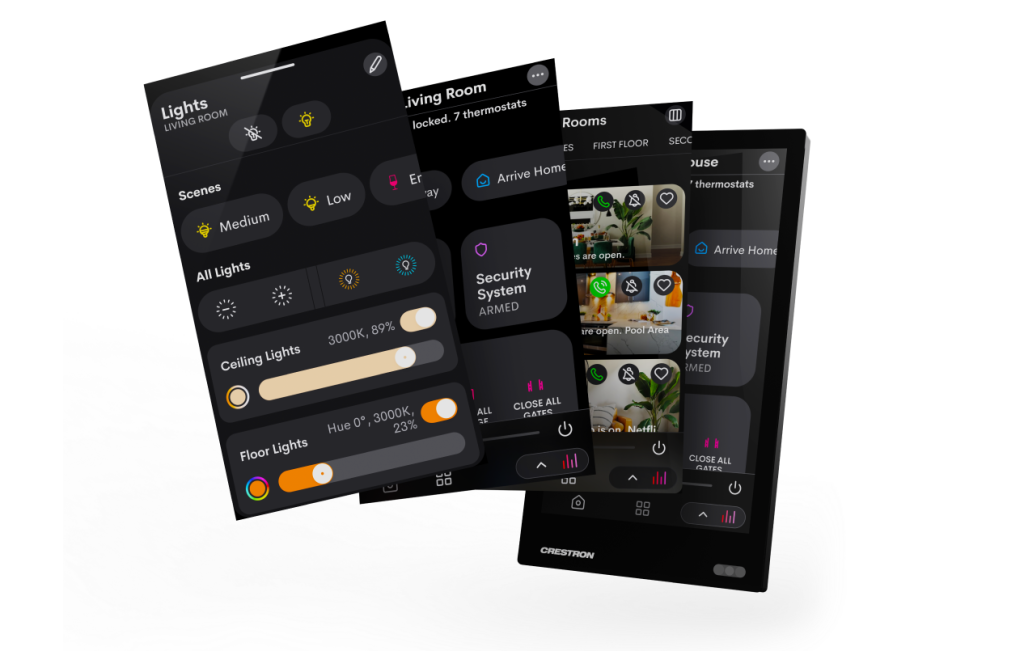
Launch OS 4 and you’ll instantly notice its strikingly fluid and intuitive design. A simpler, smoother whole home control experience for everyone awaits on every device.
Experience reimagined
New and refined graphics, icons, and layouts. Larger, more readable text. Everything more quickly accessible. And that’s only the beginning.
Enhanced filters
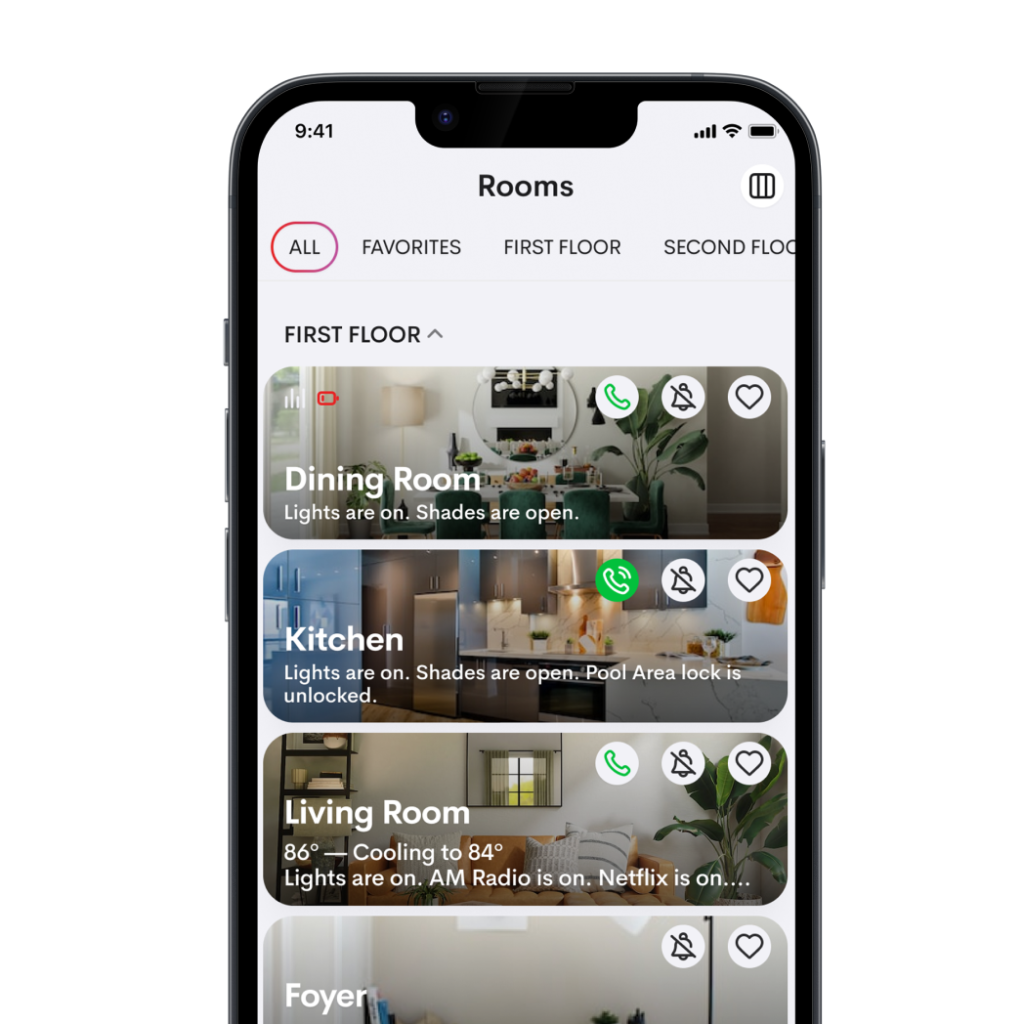
Control more and see more rooms and floors at once. Get to what you need with fewer taps. Keep it simple or view the details. It’s up to you.
More personalized
Everyone’s idea of the perfect smart home is different. Crestron Home OS 4 puts the power to easily create yours in your hands.
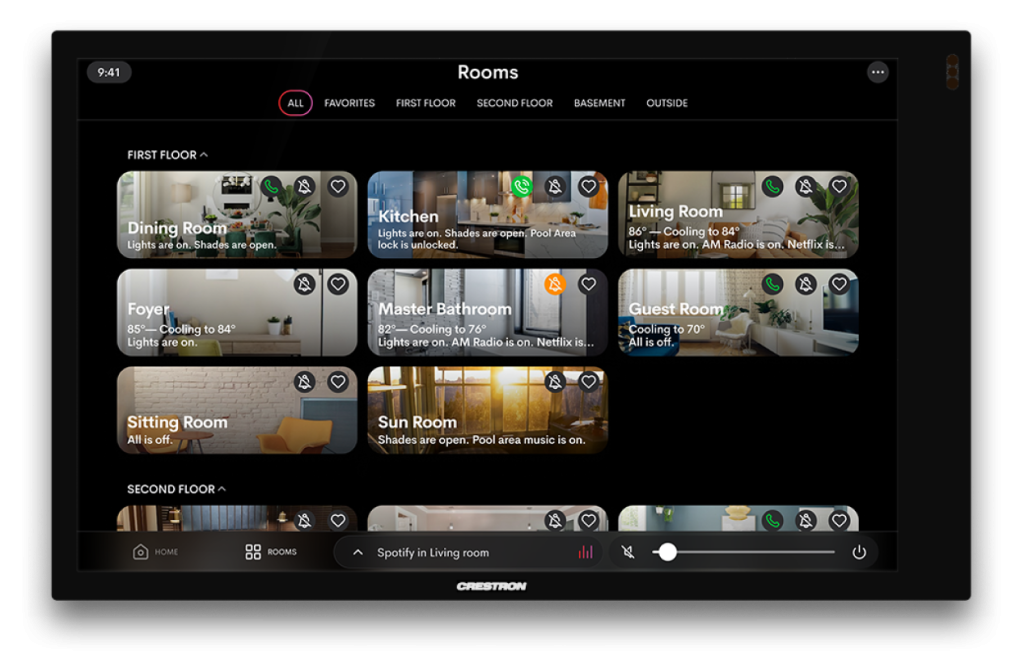
Smart viewing
Get the complete picture of your home with the stunning new room image view. See entire rooms or your entire home.
Smart scheduling
Customize without limits. Schedule and automate tasks. Create events. No call to your dealer required.
Smart lighting
Dim the lights, add color, create scenes, and more. Any lighting style. Any function. Any digital lighting protocol. All in one OS.
More control
You may not be able to control everything in your life, but with OS 4, you can control everything in your home.
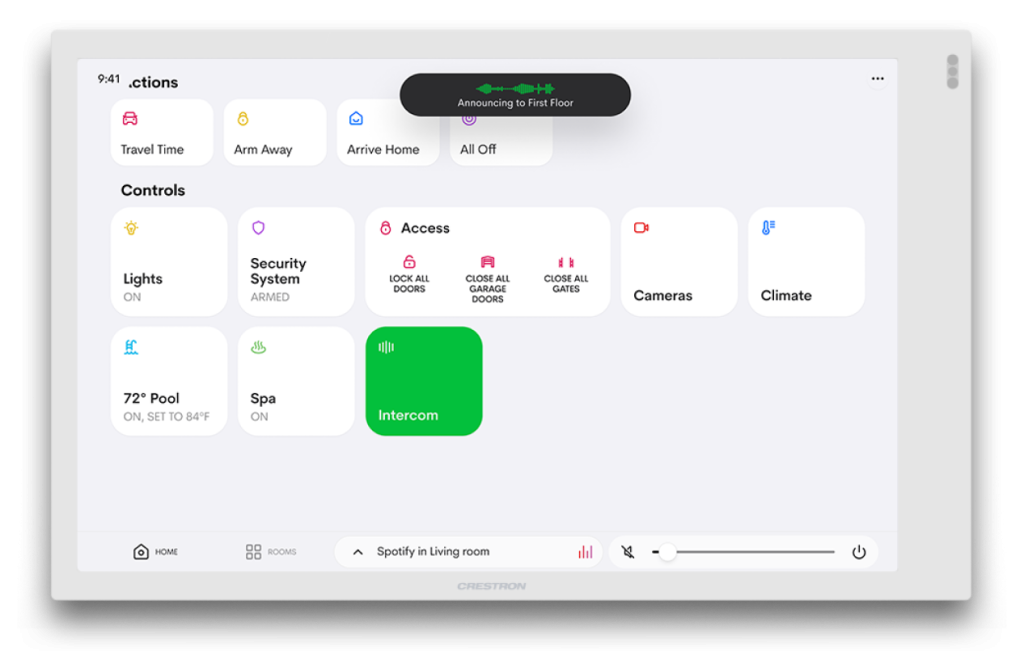
Whole-home paging
Not sure where someone is? With OS 4 running on our touch screens, you can make announcements to every room in your home or a select group of rooms, all with one tap.
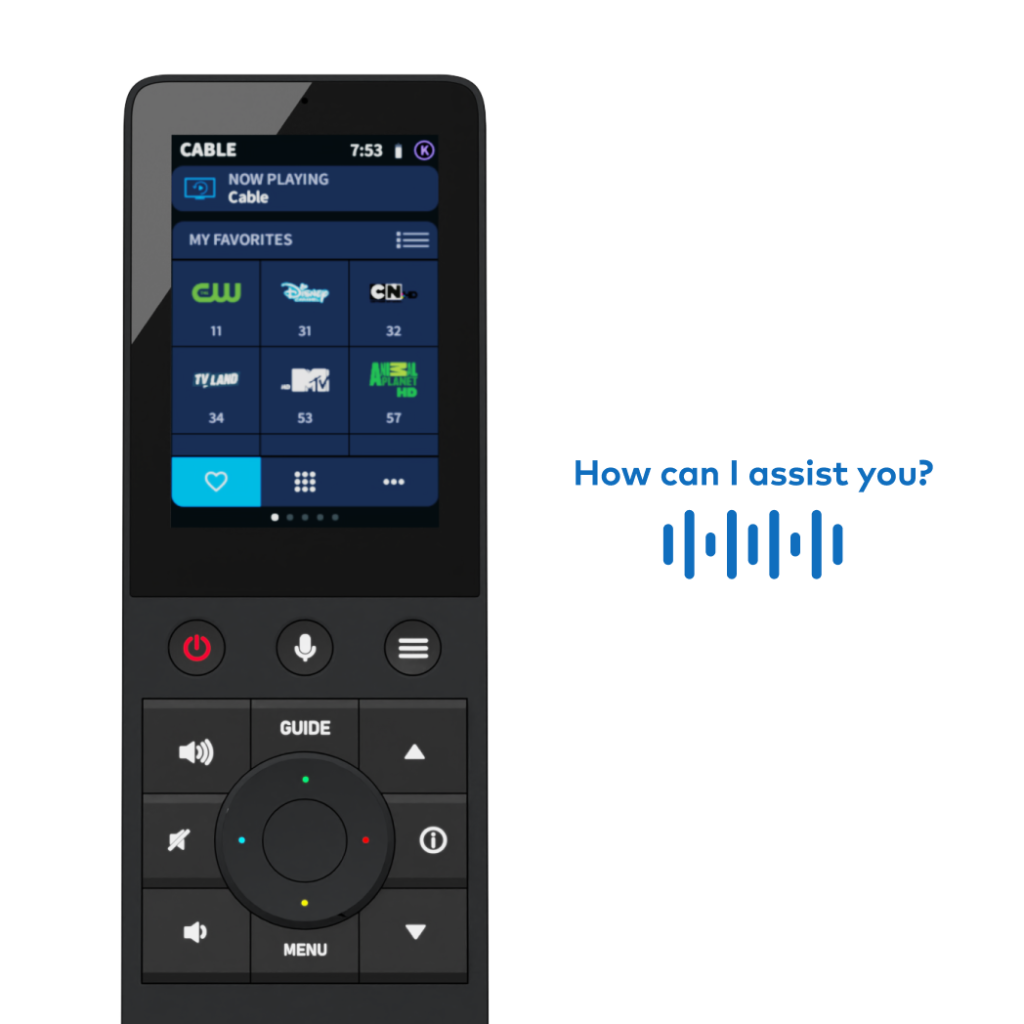
Enhanced voice control
With native Xfinity® Voice Control integration, your home is always at your command. Just say the word.
Simplified customization
Rapidly customize all your smart homes’ functions, room by room or home-wide with just a single password sign-in.
It’s not just a smart home; it’s a Crestron home
The unparalleled OS 4 experience doesn’t end there:
- Make one-touch functions a breeze with hundreds of icons
- Choose your preferred language or toggle to another at any time
- Control everything straight from your Apple® devices via Apple Shortcuts
- Easily orchestrate your streaming services within the Crestron Home app
- See the status of lighting throughout your home in one view
- Easily re-order Quick Actions so you can quickly access your most frequently used
- Customize wake screen setup for you or family members with even more options
- Control volume via hard buttons on Android™ OS devices
https://www.crestron.com/Products/Featured-Solutions/Crestron-Home/Crestron-Home-OS4